Dashboards
Designing dashboards for decision visibility
How operational dashboards should surface readiness, risk, action, and accountability.
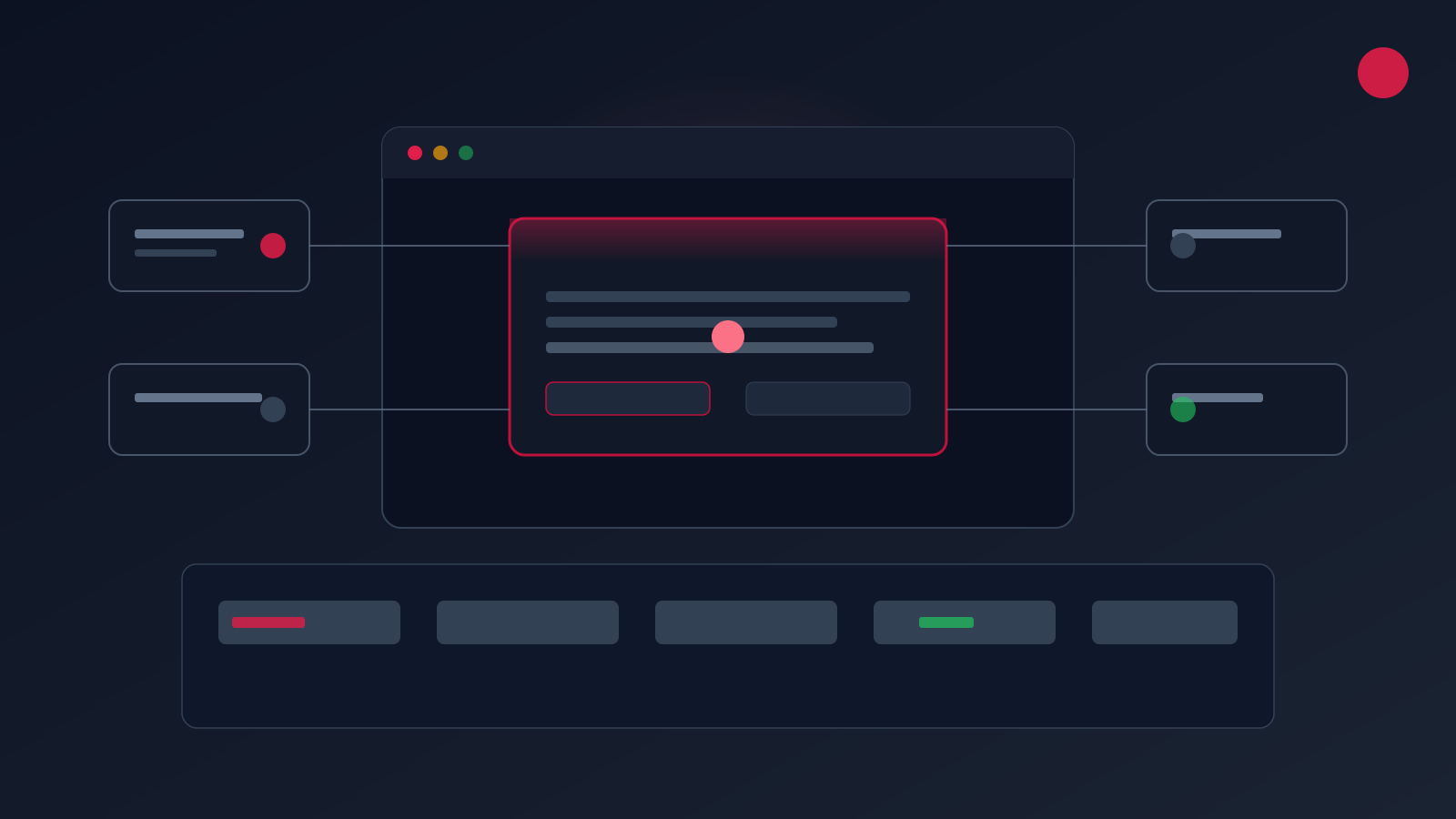
Most dashboards report what already happened. Useful operational dashboards help teams see readiness, risk, bottlenecks, and next actions before reporting becomes slow or disconnected from real work.
Design around decisions, not charts
Start with the decisions your operators, managers, or founders need to make weekly: approve a reorder, escalate a compliance gap, reallocate labour, follow up a lead, or review a margin exception. Each dashboard view should answer one decision context clearly.
Avoid dumping every available metric onto a single screen. Group signals by workflow stage, owner, and business impact — then surface exceptions and priority actions first.
Make accountability visible
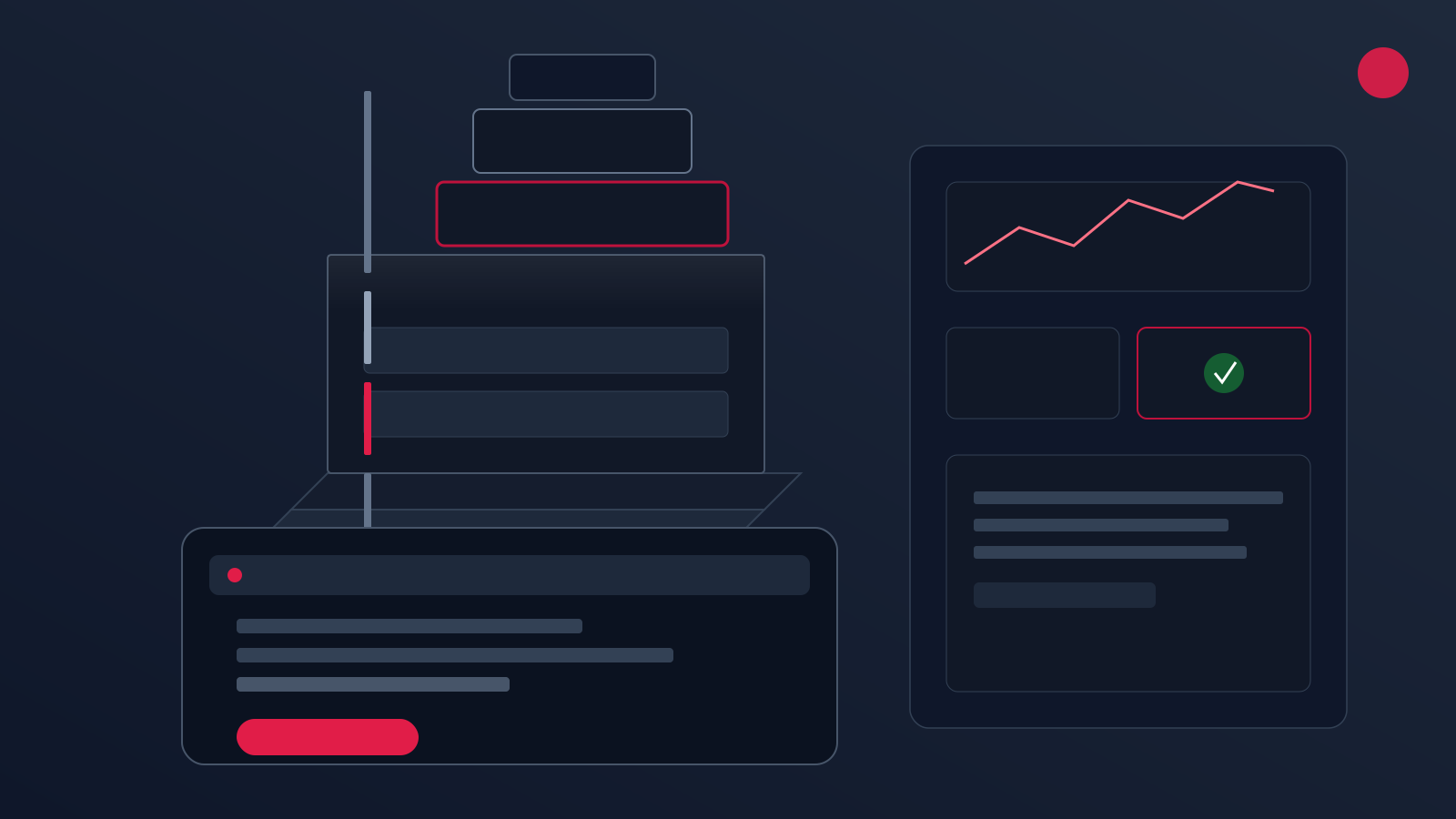
Strong dashboards show who owns the next action, when it is due, and what changed since the last review. They connect operational signals to workflow stages rather than leaving teams to interpret raw numbers.
DecisionView™ by Microcorem applies this pattern: connected operations visibility with workflow signals, readiness indicators, and practical next actions — not just historical charts.
Build Your First Reliable AI Agent System
Move beyond AI experiments. Microcorem helps organisations design agentic workflows, retrieval systems, evaluation pipelines, and production-ready LLM applications.